
Cyberattacks and malware are becoming more common every year. Even large companies and government organizations sometimes fall victim to hackers, so it’s no surprise that everyday users can be targeted too.
The good news? Most computer infections happen because of simple mistakes that are easy to avoid. You don’t need to be a cybersecurity expert to protect yourself — you just need to follow a few basic habits.
Today at AdmiGram.com, we’re sharing five easy rules that can help keep your computer safe from viruses, ransomware, and other online threats.
5 Easy Ways to Prevent Computer Viruses
1. Don’t Click or Install Anything You’re Not Sure About
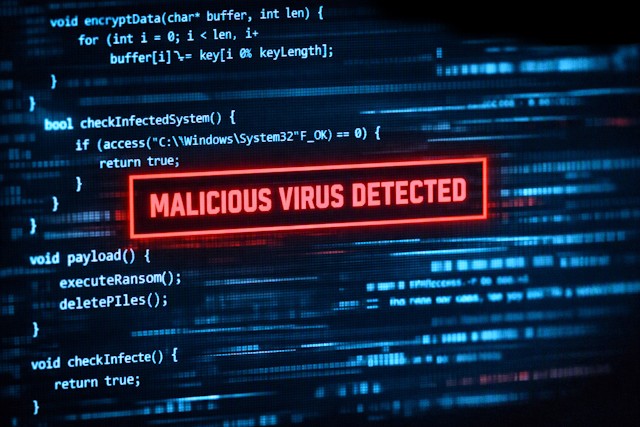
Most malware infections begin with a single careless click.
People often:
- open unexpected email attachments;
- download fake software updates;
- install “free” programs from untrustworthy websites;
- click pop-ups promising free movies, games, or prizes.
If something feels suspicious, don’t risk it. Ask someone you trust for help or simply ignore it. A few seconds of caution can save you hours of frustration later.
2. Use Antivirus Software — and Let It Update Automatically
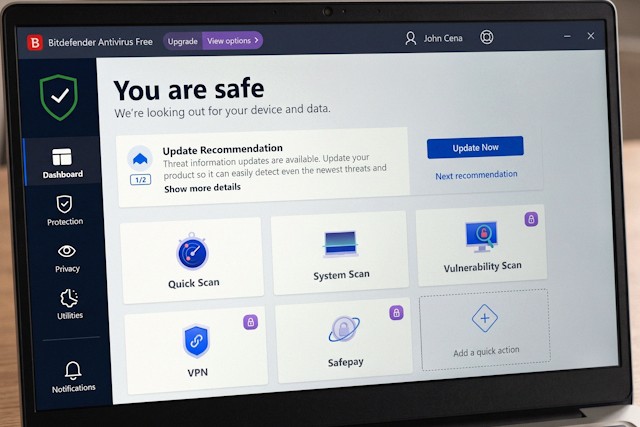
A good antivirus program is still one of the easiest ways to protect your computer.
Fortunately, most modern security programs update themselves automatically throughout the day, so you don’t have to think about it. Just make sure automatic updates are turned on and that your antivirus is always running.
Windows users also get solid built-in protection through Microsoft Defender, which is included with Windows 10 and Windows 11.
3. Keep Windows and Your Apps Up to Date
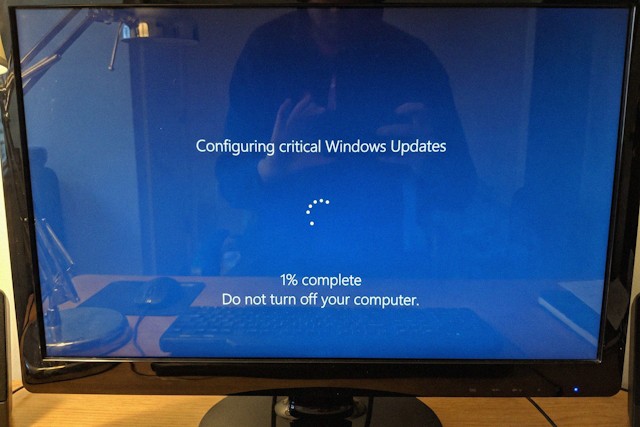
Software updates aren’t just about adding new features — they often fix serious security flaws.
Some people still disable updates because they believe they’ll slow down their computer. In reality, outdated software is one of the biggest reasons computers get infected.
Major ransomware attacks like WannaCry, Petya, and Bad Rabbit spread largely because many computers were missing important security updates.
If you’re not comfortable maintaining your computer yourself, ask a knowledgeable friend or visit a local computer repair shop once or twice a year for a quick checkup.
4. Be Careful With USB Drives

USB flash drives can easily spread malware from one computer to another.
To stay safe:
- avoid plugging unknown USB drives into your computer;
- disable AutoPlay for removable devices if it’s enabled;
- always scan a USB drive with your antivirus before opening its files, especially if it has been connected to someone else’s computer.
It’s a simple habit that can prevent a lot of problems.
5. Stay Away From Sketchy Websites

Everyone likes free stuff — but free downloads often come with hidden risks.
Unofficial websites may trick you into installing:
- fake software updates;
- unwanted browser extensions;
- adware;
- spyware;
- malware disguised as legitimate programs.
Some malicious websites also use fake CAPTCHA pages or fake browser warnings to convince visitors to install harmful software.
The safest choice is simple: download apps only from official websites or trusted app stores. The less time you spend on suspicious websites, the safer your computer will be.
The Bottom Line
There is no magic button that makes your computer completely immune to cyberattacks. But following a few simple habits dramatically lowers your risk.
Remember these five rules:
- Think before you click.
- Keep your antivirus running.
- Install security updates.
- Be careful with USB drives.
- Avoid suspicious websites.
Cybersecurity doesn’t have to be complicated. A little caution goes a long way toward keeping your personal information — and your computer — safe.