Which free VPN service is the best? There’s no one-size-fits-all answer to this question, but we’ve done our best to help you figure out which one might be worth installing on your phone or browser. We decided to test the convenience and connection speed of ten of the most popular truly free VPN services (meaning they don’t require anything from you except installation).
Our testing methodology included the analysis of the following factors: ease of installation, user interface friendliness, privacy and security settings, connection stability (upload & download reliability), number of server locations, overall internet speed performance. To make things as clear as possible, we used a rating scale for the final results. Plus, AdmiGram.com will highlight the key details, pros, and quirks of each VPN service.
The best free VPNs for phones and computers
Category: Lightweight
VPN Proxy VeePN
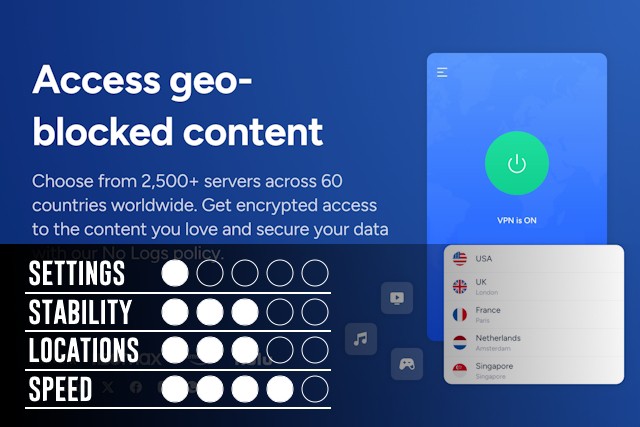
If you search for “VPN” in the Chrome Web Store, the VPN Proxy VeePN extension will likely be at the top of the list. The plugin is easy to install, has a very user-friendly interface, and offers good connection speeds. However, during a week of intensive testing, we noticed that VPN Proxy VeePN frequently froze and then resumed traffic flow. Maybe you won’t have this problem.
Visit the site for apps or extensions
1click VPN Proxy

This is another simple and intuitive VPN service. It won’t blow you away with speed or stability, but it’s completely free and only requires you to click one button (Enable/Disable). There’s no option to choose your connection country — you’ll automatically be connected to one of three: France, Italy, or Lithuania. Out of all the VPNs we tested, 1click VPN Proxy had the slowest download and upload speeds.
Visit the site for apps or extensions
Planet VPN
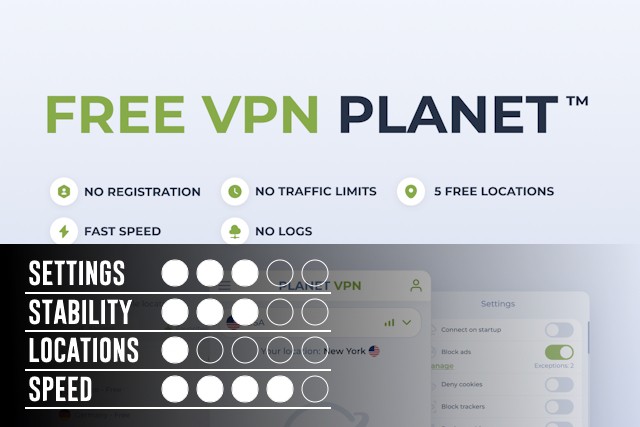
Planet VPN has several strong points, including fast download and upload speeds, customizable privacy settings for browsing, and built-in ad-blocking capabilities. On the downside, it offers a very limited selection of server locations, and you’ll sometimes need to verify that you’re not a bot when accessing certain websites. For example, YouTube occasionally refused to play videos in incognito mode unless we logged into an account. Additionally, Planet VPN won’t work if you have other VPN extensions enabled in your browser.
Visit the site for apps or extensions
These VPN services are worth installing on your phone or PC if you just need occasional access to restricted resources that are blocked from your real IP.
Category: Middleweight
VPNLY
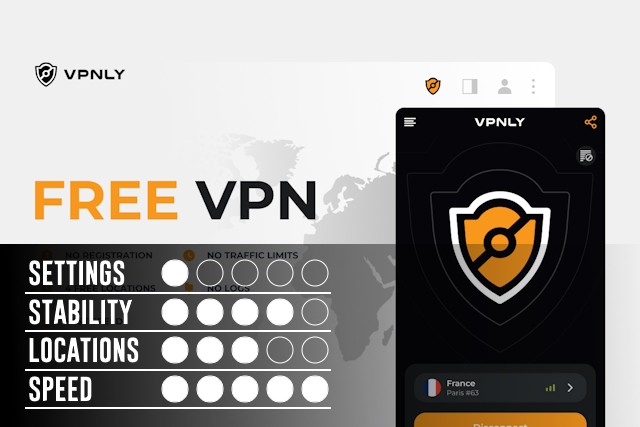
A solid VPN service with impressive download and upload speeds (ranked third in our speed tests). It offers four server locations, each providing stable traffic both ways. During a week of intensive testing, there were occasional speed drops, but nothing that significantly affected overall performance. It’s a straightforward VPN service — everything is clear, and it just works.
Visit the site for apps or extensions
Proton VPN
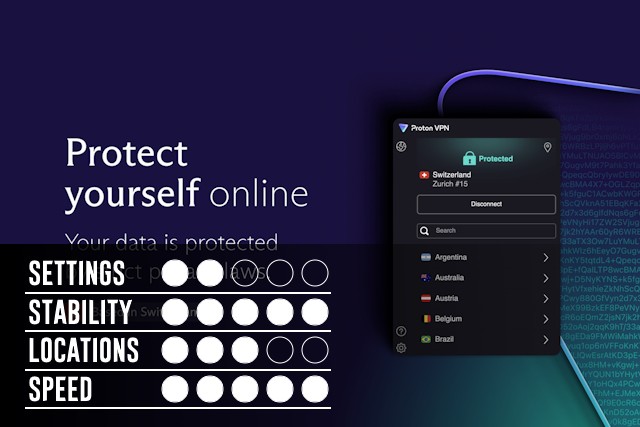
Proton VPN frequently ranks at the top of VPN reviews, and for good reason — its upload speed was the fastest in our tests. However, some users might be put off by the required registration process before using the service, as well as the limited choice of server locations (only five countries available). That said, Proton VPN remains a solid choice for both smartphones and PCs.
Visit the site for apps or extensions
TunnelBear VPN
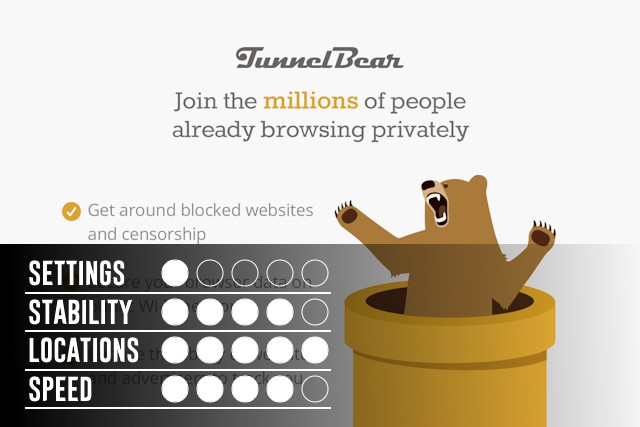
TunnelBear VPN is one of the most well-known veterans in the free VPN world. Its biggest advantage is offering nearly 50 countries to choose from (second-best for flexibility in our tests). Yes, some connections may occasionally fail or drop, but overall, it performs decently. Like ProtonVPN, TunnelBear requires registration before use.
Visit the site for apps or extensions
ZenMate
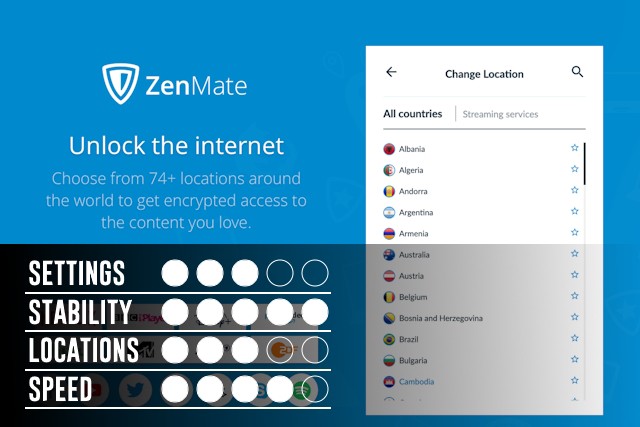
Another long-standing player in the VPN space, ZenMate is simply a good, stable VPN service. The only notable downside is that it offers connections to just four countries. During testing, there were no critical issues or unusual problems — it delivered consistent, reliable performance on both smartphones and PCs.
Visit the site for apps or extensions
These VPN services are highly recommended if you need to maintain constant online anonymity on your smartphone or PC. They offer a good balance of speed, stability, and user-friendliness, making them reliable choices for everyday use.
Category: Heavyweight
Browsec
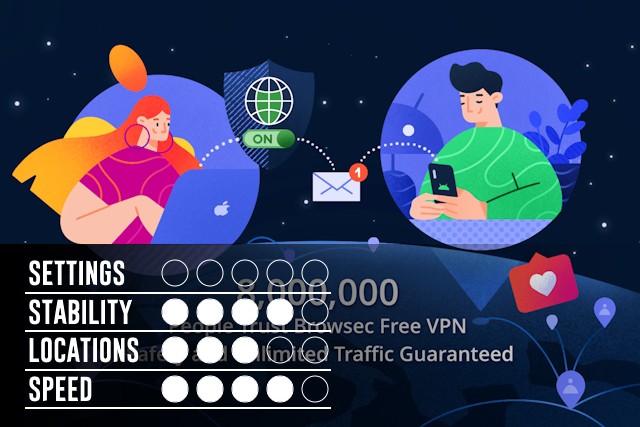
Browsec is one of the simplest tools you can use for online anonymity. While it occasionally struggles with download and upload speeds, its reliability and ease of use more than make up for it. Browsec was one of the first VPN services to offer completely free, unlimited VPN traffic to anyone.
Visit the site for apps or extensions
This VPN service is highly recommended for installation on smartphones or PCs, especially if you — or even your parents — just need stable, anonymous web browsing. Its user-friendly interface makes it accessible for all experience levels.
Windscribe
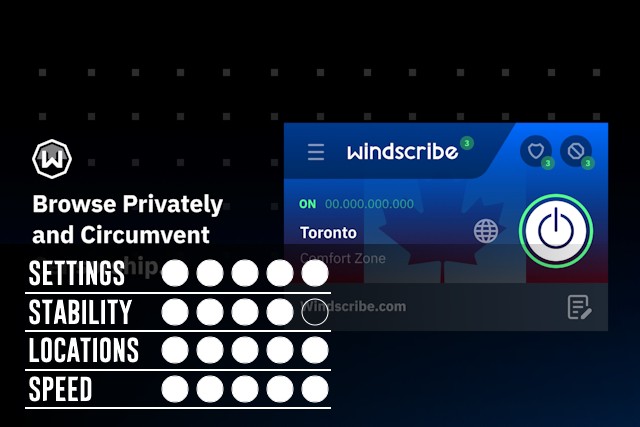
Windscribe is arguably the best VPN service available today, offering a robust set of features with a free data limit of 10GB per month. It boasts excellent download and upload speeds (ranking second in our speed tests) and a wide range of countries and servers to choose from (third in flexibility). Its connection and privacy settings are outstanding — no other VPN service offers the same level of customization and control.
Visit the site for apps or extensions
This VPN service is perfect for installation on smartphones or PCs if you need professional-grade online anonymity or simply want to feel as secure as possible while browsing the web.
Urban VPN
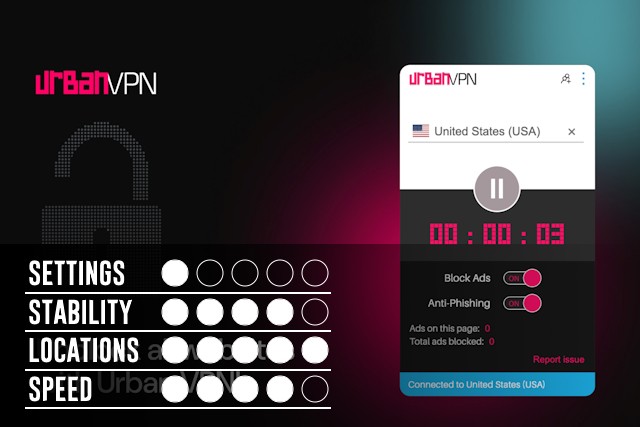
Urban VPN stands out with an impressive selection of over 80 countries to choose from (ranking first in flexibility in our tests). We didn’t encounter any significant issues with download or upload speeds across different server locations. It’s one of the simplest and most versatile free VPN solutions available today.
Visit the site for apps or extensions
This VPN service is highly recommended for smartphones or PCs if having a large selection of connection locations is important to you for VPN surfing.